
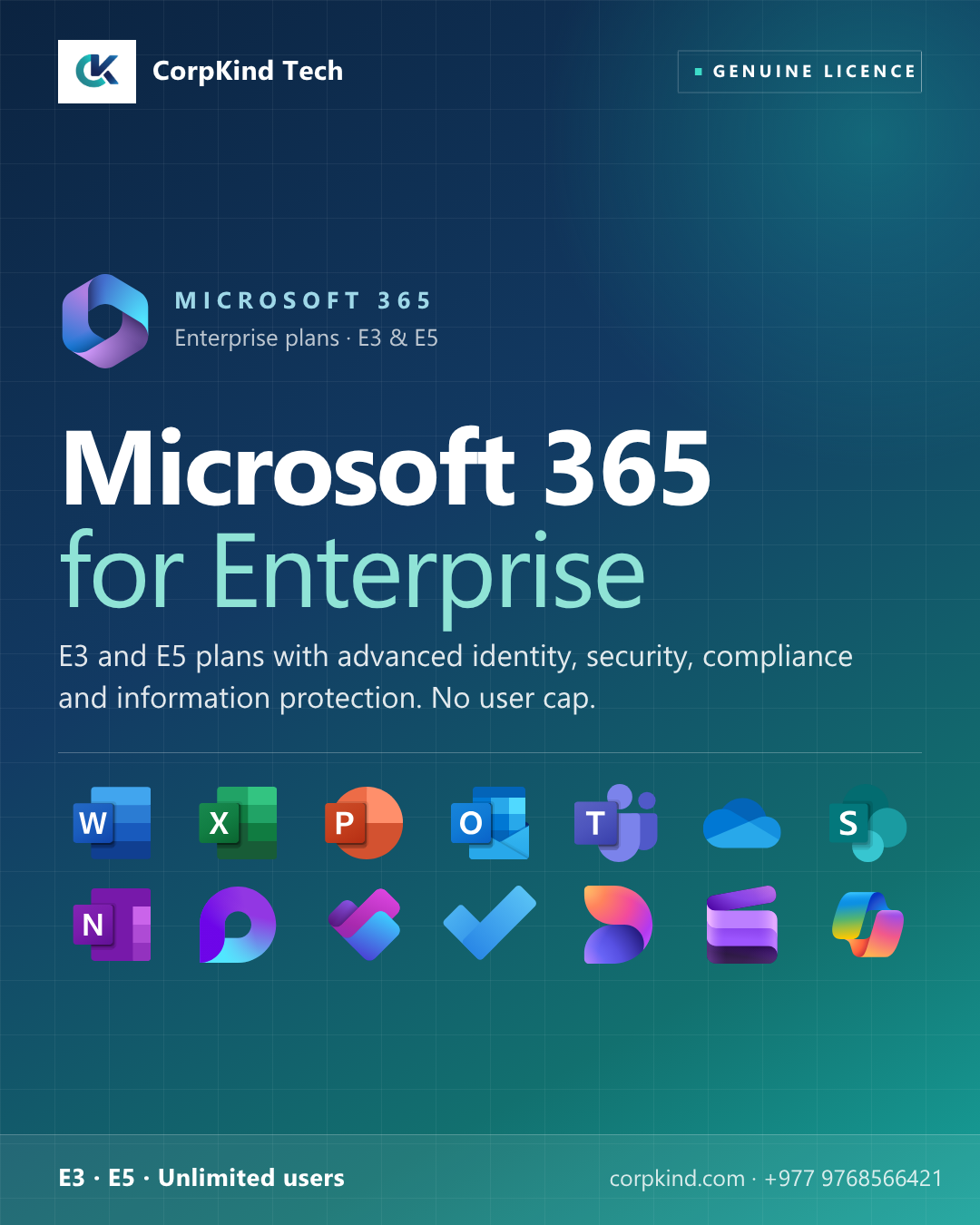
Microsoft 365 for Enterprise: for organisations with advanced security and compliance needs
Microsoft 365 for Enterprise (E3 and E5) is built for organisations beyond 300 users, or with advanced identity, security, compliance, and information protection requirements that go beyond the Business plans. No user cap. Designed for regulated industries, larger corporations, and security-conscious teams.
Microsoft 365 E3 vs E5: plans compared
| Feature | E3 | E5 |
|---|---|---|
| Full Office desktop apps | ✓ | ✓ |
| Exchange, OneDrive, SharePoint | ✓ | ✓ |
| Microsoft Teams (optional) | ✓ | ✓ |
| Microsoft Defender | Standard | Advanced (Defender XDR) |
| Information protection | Basic | Advanced + Insider Risk Management |
| Threat protection | Standard | Advanced + threat analytics |
| Compliance + eDiscovery | Standard | Advanced + Insider Risk |
| Power BI Pro | , | ✓ |
| Audio Conferencing | Included | Not in listed variants |
| User limit | Unlimited | Unlimited |
E3 vs E5: which is right for your organisation?
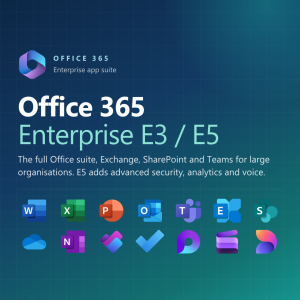
- Microsoft 365 E3, the standard enterprise plan. Full Office, business communication, core security, and standard information protection. The right choice for most enterprise deployments.
- Microsoft 365 E5, adds advanced threat protection (Microsoft Defender XDR), security analytics, advanced compliance and eDiscovery, insider risk management, and Power BI Pro. Recommended for regulated industries (finance, healthcare), organisations with serious security or compliance requirements, or anyone wanting Power BI Pro bundled.
With Teams or without?
Both E3 and E5 come in Teams and No-Teams variants. Most enterprises take the Teams version as it is the standard collaboration hub. Skip Teams if your organisation already standardises on another platform.
Why deploy Microsoft 365 Enterprise with CorpKind Tech
- Tenant architecture and identity setup (Microsoft Entra ID / Azure AD)
- Conditional access policies and security baseline configuration
- Migration from Exchange on-premise, Google Workspace, or other systems with zero data loss
- Microsoft Defender, compliance, and eDiscovery setup
- Admin and end-user training
- Ongoing managed IT support, helpdesk, and proactive monitoring
- Local team in Nepal, enterprise-grade response times
Frequently asked questions
Can I mix E3 and E5 licences?
Yes. Common pattern: E5 for executives, finance, IT/security teams; E3 for general staff. We design the licence mix to optimise cost.
Do you handle Enterprise Agreement (EA) and volume licensing?
Yes. Talk to us about your user count and contract preferences.
What is the difference between Microsoft 365 E5 and Office 365 E5?
Microsoft 365 E5 includes Windows 11 Enterprise and the full security/management stack. Office 365 E5 is the apps and services only. We help you pick.
Need help choosing? Talk to CorpKind Tech, we will recommend the right Microsoft 365 plan for your team and handle the setup end to end.

Reviews
There are no reviews yet.