

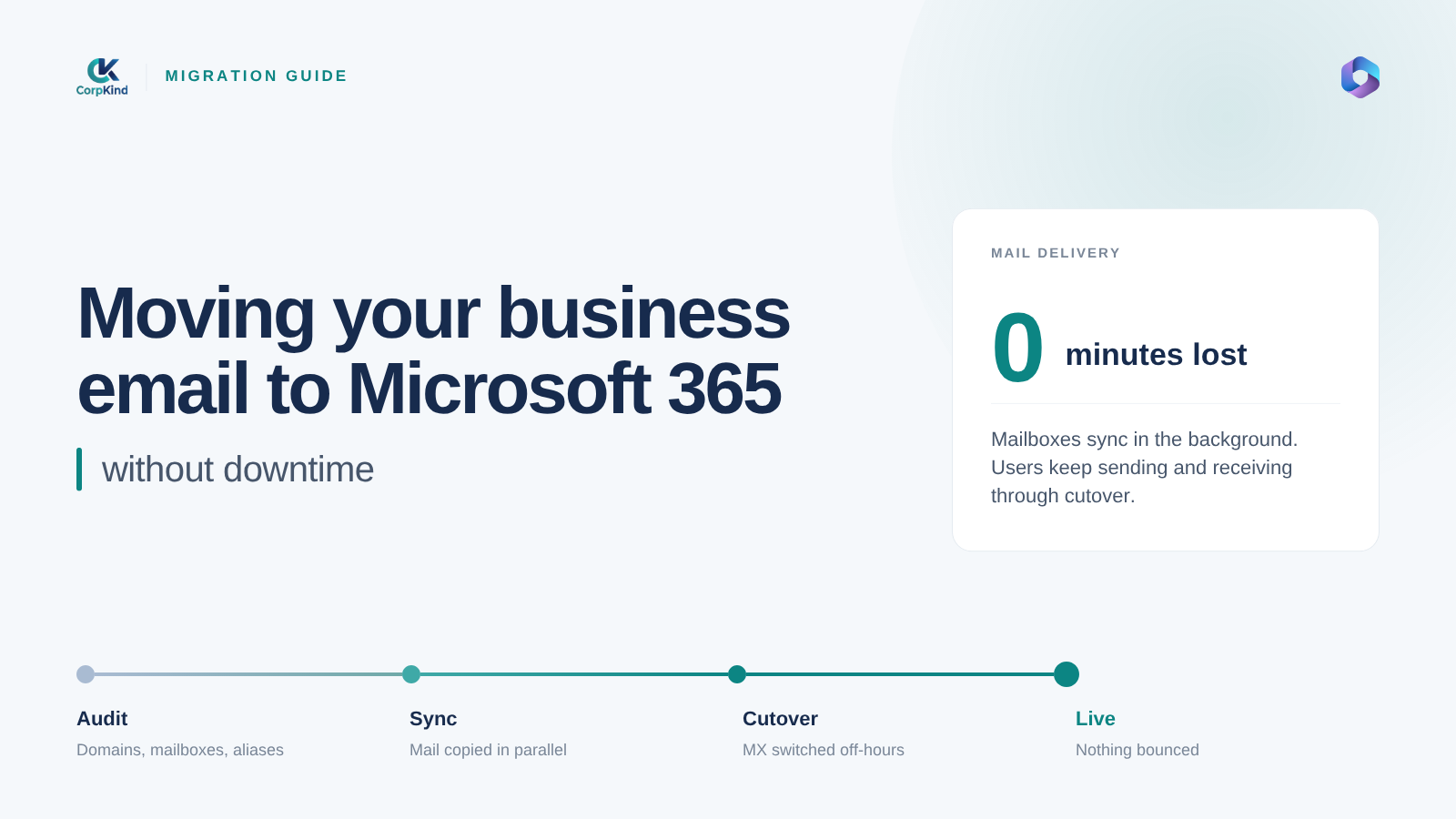
The scariest part of moving to Microsoft 365 is usually the email. Business runs on it, and nobody wants to lose years of messages or have the whole team locked out for a day while things switch over. The good news: a proper Microsoft 365 email migration keeps all your old mail and causes little to no downtime, if it is done in the right order.
Here is what actually happens when you move your business email to Microsoft 365, what you keep, and how to switch without your team losing access.
Will I lose emails or have downtime?
No, if the migration is planned properly. Your existing mail, contacts, and calendars are copied into Microsoft 365 before anything changes for your users. Mail keeps arriving at your old system right up to the switch, and the switch itself is a small change that takes minutes to take effect. Done well, most people only notice that their mailbox now lives in Outlook and Microsoft 365.
What “email migration” actually means
Migration is three things happening in order:
- Copy your data: all existing mailboxes, folders, contacts, and calendars are copied into Microsoft 365.
- Point your domain at Microsoft 365: the MX record for your domain is updated so new mail starts flowing to the new mailboxes.
- Set up each device: people sign in to Outlook on their computers and phones and carry on.
How a no-downtime migration works
| Step | What happens |
|---|---|
| 1. Prepare | Create the Microsoft 365 tenant, verify your domain, and create every user account. |
| 2. Pre-stage mail | Copy existing mailboxes into Microsoft 365 in the background, while the old system keeps running. |
| 3. Cutover | Update the MX record so new mail is delivered to Microsoft 365. This is the only real switch. |
| 4. Sync the gap | Copy any messages that arrived during the changeover so nothing is missed. |
| 5. Set up devices | Sign everyone in on Outlook, desktop and mobile, and confirm mail is flowing. |
Because the data is copied before the cutover, your team keeps working the whole time. The moment mail switches over, their history is already waiting for them.
What you keep
- All your existing emails and folders.
- Contacts and calendars.
- Your email addresses, exactly as they are. Nobody has to change their address.
What to prepare before migrating
- Access to your domain: whoever manages your domain name needs to update DNS records. If you are not sure who that is, we help you find out.
- A list of mailboxes: every email address that needs to move, and roughly how much mail each one holds.
- A plan for the switch: the cutover is usually scheduled for the evening or a quiet day so it is invisible to most staff.
Moving from Gmail, cPanel webmail, or an old Exchange server
The approach is the same wherever you are coming from. Google Workspace or free Gmail, cPanel or webmail from your hosting company, or an aging on-site Exchange server all migrate into Microsoft 365 the same way: copy the data, cut over the domain, set up devices. If you only need email and not the Office apps, Exchange Online is often the right landing spot. If you want Office too, see our guide to choosing a Microsoft 365 plan.
Let us handle the migration
Email migrations go wrong when they are rushed or done in the wrong order, and that is when messages go missing or a team loses access mid-morning. We do the whole thing for you: plan it around your working hours, copy the data, cut over cleanly, and sit with your team while everyone gets signed in. See our Microsoft 365 setup and migration, or tell us where your email is now and we will map out the move.
Common questions
How long does a Microsoft 365 email migration take?
The planning and setup take a day or two. Copying mailboxes runs in the background and depends on how much mail you have. The actual cutover is quick, and we schedule it for a quiet time so your team is not interrupted.
Can I keep my current email address?
Yes. Migration moves your existing addresses to Microsoft 365 unchanged. Nobody has to tell clients a new address.
Will mail sent during the switch get lost?
No. Mail keeps being delivered throughout, and we sync anything that arrives during the changeover so nothing is missed.
