

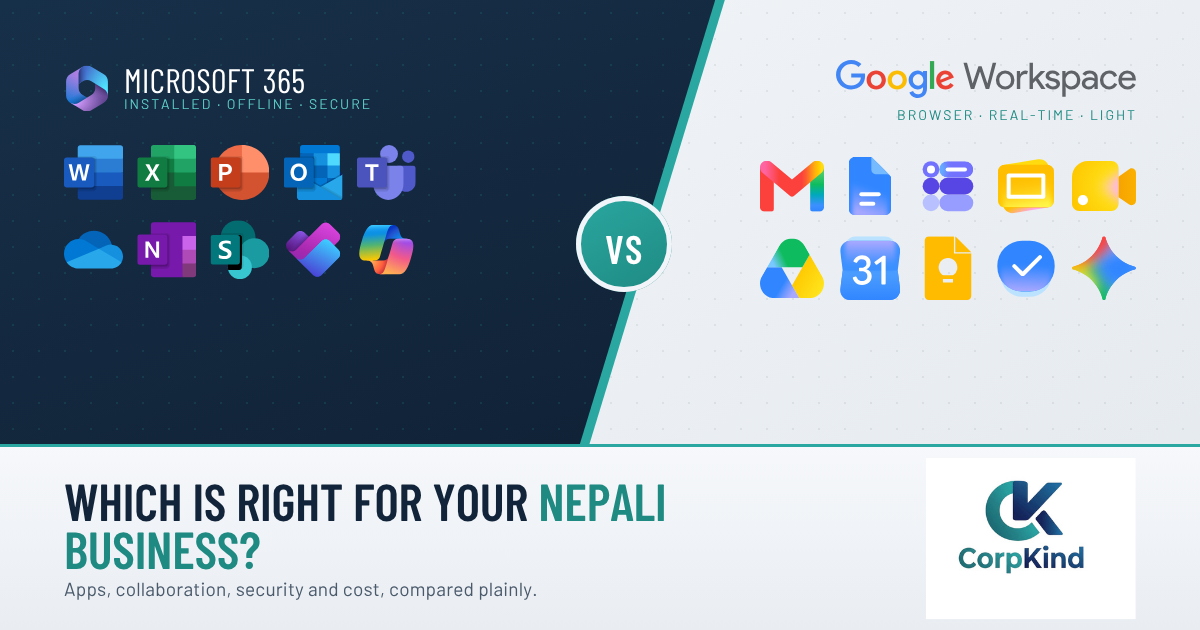
Microsoft 365 vs Google Workspace is the first big technology decision most businesses in Nepal make when they move to professional email and cloud apps. Both give you email on your own domain, the tools your team works in every day, cloud storage, video calls, and one admin panel to manage it all. Both are excellent. The wrong choice just means paying for strengths your team never uses, or missing the ones it needs. This guide compares them in plain language, adds the local factors that actually matter in Nepal, and gives you a clear way to decide. (Microsoft 365 was previously called Office 365, so if you are comparing “Office 365 vs Google Workspace”, this is the same thing.)
Quick answer: which should you choose?
For most established businesses in Nepal, Microsoft 365 is the safer pick. It gives you the installed Office apps (Word, Excel, Outlook), keeps working offline when the internet or power drops, and has stronger security and device controls. Google Workspace is the better fit for browser-first teams, startups, and creative groups that value fast, real-time collaboration above everything else. A simple rule: if your team lives in Excel and Word, choose Microsoft 365. If your team lives in shared browser documents, choose Google Workspace.
Microsoft 365 vs Google Workspace: side by side
| What you are comparing | Microsoft 365 | Google Workspace |
|---|---|---|
| Best for | Teams that want installed Office apps, offline reliability and stronger security | Browser-first teams that want the fastest real-time collaboration |
| Outlook and Exchange | Gmail for business | |
| Installed desktop apps | Yes (Word, Excel, PowerPoint, Outlook, from the Standard tier up) | No installed suite; web apps (Docs, Sheets, Slides) |
| Works offline | Strong, through the desktop apps | Limited |
| Real-time collaboration | Good | Excellent, it is the default |
| Video meetings | Microsoft Teams | Google Meet |
| Cloud storage | OneDrive and SharePoint | Google Drive |
| AI assistant | Copilot (add-on) | Gemini |
| Security and device control | Stronger (Defender, device management on Premium and Enterprise) | Good, cloud-native |
| Admin simplicity | More controls, a bit steeper | Simpler and lighter |
| Pricing model | Per user per month, tiered | Per user per month, tiered |
Email: Outlook and Exchange vs Gmail
Both give every staff member a professional address on your domain (you@yourcompany.com), shared calendars, and contacts. Microsoft uses Outlook and Exchange, which most offices already know and which pairs with the installed Outlook app for heavy email users. Google uses Gmail for business, which is clean, fast, and familiar to anyone who has used a personal Gmail. If your team already thinks in Outlook, Microsoft 365 feels natural. If they prefer Gmail, Workspace does.
Apps and offline work
This is the biggest practical split, and it matters more in Nepal than the global comparisons admit. Microsoft 365 gives you the full installed Word, Excel, Outlook, and PowerPoint. They are more powerful than any web version, and they keep working when the internet or power drops, then sync when you are back online. For offices that depend on heavy Excel work, or that lose connectivity during the day, this offline reliability is a real advantage. Google Workspace is browser-first, with lighter web apps built for shared editing. Offline support exists but is limited.
Storage
Microsoft 365 gives each user OneDrive for personal files plus SharePoint for shared team libraries. Google Workspace gives everyone Google Drive with shared drives. Both are generous and grow with your plan. For most businesses, storage is not the deciding factor, the way your team shares and structures files is.
Collaboration and meetings: Teams vs Google Meet
Google Workspace still wins on pure real-time collaboration, several people editing one document at once feels effortless. Microsoft has closed most of that gap and adds Microsoft Teams, a strong single hub for chat, calls, meetings, and files, which is a big draw if your team wants everything in one place. For video calls, it is Teams versus Google Meet, both are solid; the difference is which ecosystem your meetings and files already live in.
AI assistants: Copilot vs Gemini
Both now bundle AI. Microsoft 365 offers Copilot (as a paid add-on) inside Word, Excel, Outlook, and Teams. Google Workspace includes Gemini across Gmail, Docs, and Sheets. Both can draft, summarise, and speed up everyday work. If AI is a priority, look at which one sits inside the apps your team actually uses, and remember Copilot is an add-on on top of your base Microsoft plan.
Security and device management
For a business that handles sensitive client or financial data, Microsoft 365 generally offers stronger built-in security and device control, especially on Business Premium and the Enterprise plans: Microsoft Defender against malware and phishing, and the tools to manage, lock, and wipe lost company devices. Google Workspace is secure and cloud-native, but Microsoft goes deeper on compliance and device management. For regulated sectors like finance, this often tips the decision toward Microsoft.
Ease of administration
Google Workspace is generally simpler to administer, fewer settings, lighter touch, which suits smaller teams without dedicated IT. Microsoft 365 has more controls and more depth, which is powerful but can feel heavier without help. Either way, most businesses hand the admin to a partner so their own team never has to think about it.
Pricing
Both are sold per user per month, in similar tiers, and the headline licence costs are close. The bigger cost is not the licence, it is the switching: moving your existing email and files across without losing anything, and getting every person signed in cleanly. A rushed migration is where the real cost shows up, whichever platform you choose.
Switching later, or using both
You are not locked in forever. Email, contacts, and files can be migrated between Microsoft 365 and Google Workspace, so a wrong first choice is fixable, though it is a proper migration rather than a flip of a switch. Some businesses even run both, for example Google Workspace for one team and Microsoft 365 for another, though for most, one platform across the company is simpler and cheaper.
Which fits which Nepali business?
- Finance, cooperatives, and compliance-heavy businesses: Microsoft 365, for the stronger security, device control, and desktop Excel.
- Established offices that live in Word and Excel: Microsoft 365, for the installed apps and offline reliability.
- Startups, agencies, and creative teams: Google Workspace, for the fast, browser-first collaboration.
- Teams with unreliable internet or power: Microsoft 365, so work continues offline and syncs later.
- Small teams wanting the simplest setup: either works; Google Workspace is lighter to administer, Microsoft 365 gives more room to grow.
The Nepal-specific factors global comparisons miss
Most “Microsoft 365 vs Google Workspace” articles are written for the US or Europe. A few things matter more here:
- Genuine licences, not grey-market keys. Cheap “lifetime Office” listings are not real business licences and can be deactivated. For a business, buy genuine subscriptions billed properly.
- Billing in rupees. Paying locally in NPR through a partner beats chasing foreign cards and currency conversions.
- Offline reliability. With power cuts and patchy internet still a reality, the ability to keep working offline (a Microsoft 365 strength) is worth more here than the global reviews suggest.
- Local support and setup. Whichever you pick, someone should connect your domain, migrate your old email, and get every device signed in. A local partner you can call matters more than a support ticket in another time zone.
The honest verdict
There is no universally better option, only the one that matches how your people work. For most established businesses in Nepal, especially in finance and any office that leans on Excel and offline work, Microsoft 365 is the stronger, safer choice. For browser-first startups and collaboration-heavy teams, Google Workspace is excellent and often the more natural fit. Decide on how your team actually works day to day, not on which brand you have heard of.
Frequently asked questions
Is Microsoft 365 better than Google Workspace?
Neither is better outright. Microsoft 365 is stronger for installed Office apps, offline work, and security. Google Workspace is stronger for browser-first, real-time collaboration. The right choice depends on how your team works.
Which is better for a small business in Nepal?
Many small businesses do well on Microsoft 365 Business Standard for the installed Office apps and offline reliability. Browser-first teams that prize collaboration may prefer Google Workspace. Match it to how your staff work day to day.
Is Office 365 the same as Microsoft 365?
Yes. Office 365 was renamed Microsoft 365. When people compare “Office 365 vs Google Workspace”, they mean the same comparison covered here.
Can I use both Microsoft 365 and Google Workspace?
Yes, some businesses run both across different teams. For most, though, one platform company-wide is simpler and cheaper to manage.
Can I switch from Google Workspace to Microsoft 365 later, or the other way?
Yes. Your email, contacts, and files can be migrated between them. It is a proper migration rather than a switch, so it is worth getting help to avoid downtime or lost mail.
Which is cheaper, Microsoft 365 or Google Workspace?
Their per-user tiers are priced closely, so the licence is rarely the deciding factor. The real cost difference comes from setup and migration, and from paying for features you will not use.
Is Gmail or Outlook better for business?
Both are excellent business email. Outlook (Microsoft 365) suits heavy email users and offline work; Gmail (Google Workspace) is light and fast in the browser. Pick the one your team prefers to work in.
Setting up either in Nepal
Whichever you choose, the setup is what makes or breaks it: genuine licences, billed in rupees, with your existing email migrated across and every device signed in. We set up and support both Microsoft 365 and Google Workspace for businesses in Nepal, and we will tell you honestly which one fits, even when it is the one we are not selling that day. If you lean Microsoft, see our guide to choosing a Microsoft 365 plan and our Microsoft 365 page. Still unsure? Tell us how your team works and we will point you to the right one, no pressure.
