
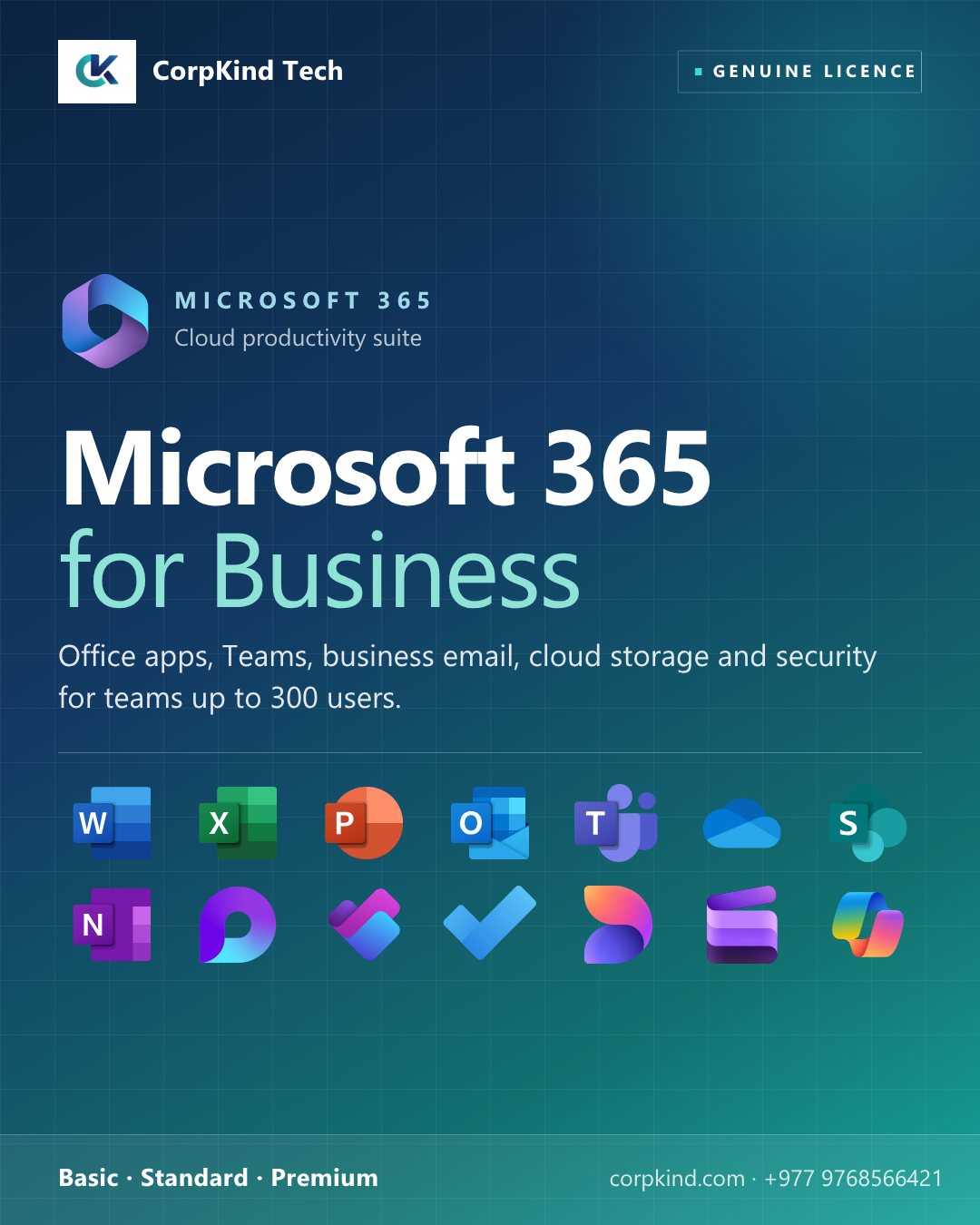
Microsoft 365 for Business: productivity, collaboration and security for teams up to 300 users
Microsoft 365 for Business is Microsoft’s plan family designed for small and medium businesses in Nepal and globally. It combines the familiar Office apps with business-grade email, cloud storage, Microsoft Teams for collaboration, and (on higher tiers) advanced security and device management, everything a growing business needs from one subscription.
Microsoft 365 Business plans compared
| Feature | Basic | Standard | Premium |
|---|---|---|---|
| Web + mobile Office apps | ✓ | ✓ | ✓ |
| Full desktop Office apps | , | ✓ | ✓ |
| Business email (Exchange, 50 GB) | ✓ | ✓ | ✓ |
| OneDrive, 1 TB per user | ✓ | ✓ | ✓ |
| SharePoint team sites | ✓ | ✓ | ✓ |
| Microsoft Teams (optional) | ✓ | ✓ | ✓ |
| Webinar hosting + meeting recording | , | ✓ | ✓ |
| Microsoft Defender for Business | , | , | ✓ |
| Intune device management | , | , | ✓ |
| Information protection | Basic | Basic | Advanced |
| Maximum users | 300 | 300 | 300 |
With Teams or without Teams?
Each plan comes in two variants, with Microsoft Teams bundled, or without. If your team already uses another collaboration tool (Slack, Google Meet, Zoom), the “No Teams” version saves you money. Otherwise, including Teams gives your team a single hub for chat, meetings, video calls, and file sharing.
Which Microsoft 365 Business plan is right for you?
- Business Basic, best for frontline and browser-based teams (retail staff, field sales, ops) who work mainly on the web and do not need installed Office.
- Business Standard, the right pick for most office workers. Adds the full desktop Word, Excel, PowerPoint, and Outlook installed locally. The default choice for accountants, marketers, analysts, and admins.
- Business Premium, for businesses handling sensitive data, working with company-owned devices, or wanting to harden against ransomware and phishing. Adds Microsoft Defender for Business and Intune device management.
What you get when you buy Microsoft 365 for Business through CorpKind Tech
- Domain and business email setup (info@corpkind.com)
- Migration from Google Workspace, Zoho, or any other email and file system, no data loss
- User account creation and onboarding for every staff member
- Microsoft Teams setup with your branding
- Licence management as your team grows, add or remove seats easily
- Local helpdesk for day-to-day questions in Nepali or English
- One business day response time
Frequently asked questions
Can I mix Basic and Standard licences in the same organisation?
Yes. Many businesses give Basic to frontline staff and Standard to office staff. CorpKind Tech manages the mix.
Can I switch from “No Teams” to “With Teams” later?
Yes, you can change variants at the next renewal cycle. CorpKind Tech handles it.
What if I cross 300 users?
You move to Microsoft 365 for Enterprise (E3 or E5). We plan and execute the migration.
Need help choosing? Talk to CorpKind Tech, we will recommend the right Microsoft 365 plan for your team and handle the setup end to end.

Reviews
There are no reviews yet.