
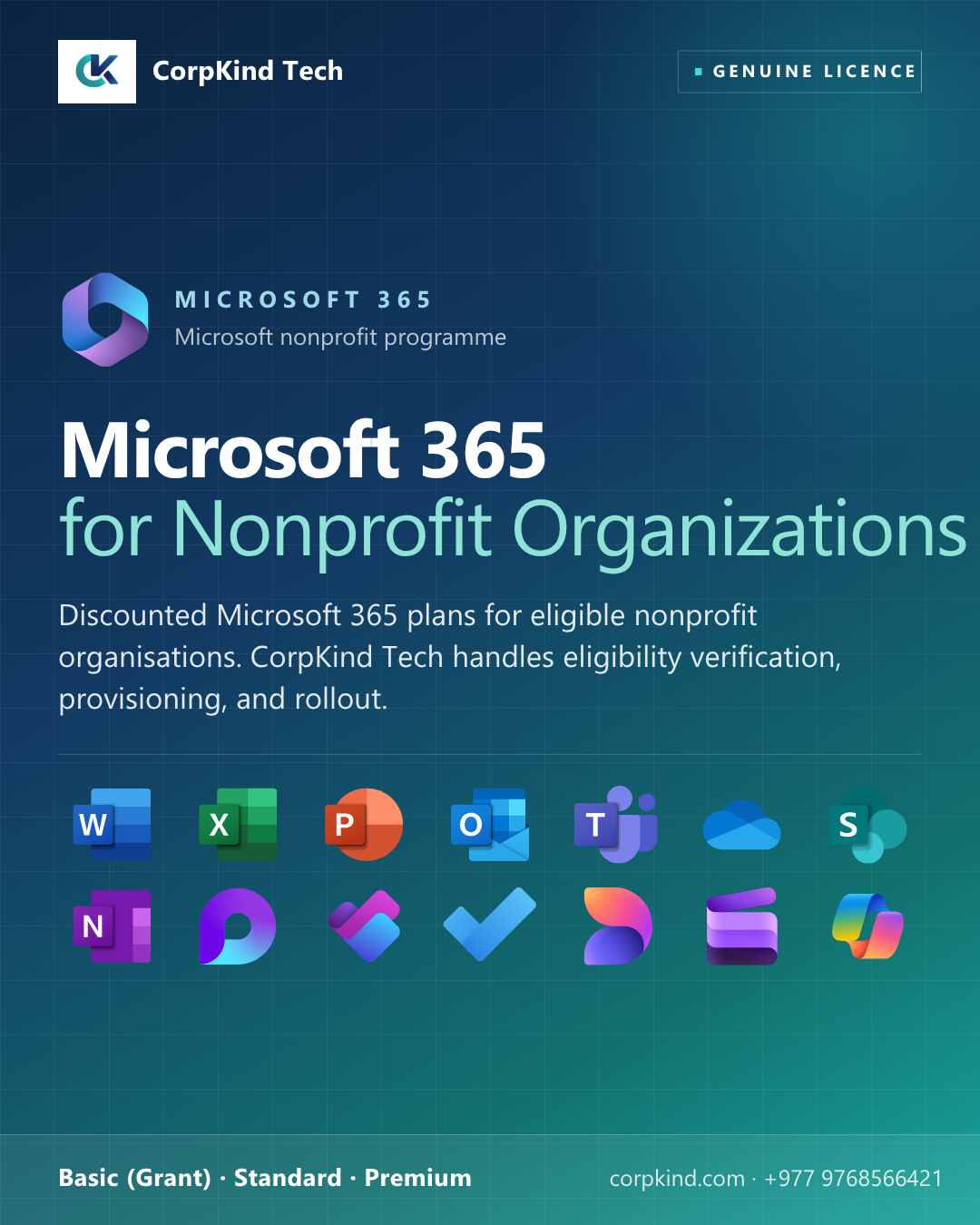
Microsoft 365 for Nonprofit Organizations: Microsoft’s productivity at nonprofit pricing
Microsoft offers significantly discounted Microsoft 365 plans to eligible nonprofit organisations through its global nonprofit programme. CorpKind Tech helps Nepali nonprofits qualify, provision, and roll out Microsoft 365 across their teams, including the donated/grant Basic plan and the deeply discounted Standard and Premium tiers.
Microsoft 365 Nonprofit plans compared
| Feature | Basic (Grant) | Standard | Premium |
|---|---|---|---|
| Web + mobile Office apps | ✓ | ✓ | ✓ |
| Full desktop Office apps | , | ✓ | ✓ |
| Business email (Exchange) | ✓ | ✓ | ✓ |
| OneDrive, 1 TB per user | ✓ | ✓ | ✓ |
| Microsoft Teams | ✓ | ✓ | ✓ |
| SharePoint team sites | ✓ | ✓ | ✓ |
| Microsoft Defender + Intune | , | , | ✓ |
| Information protection | Basic | Basic | Advanced |
Is your organisation eligible for Microsoft 365 Nonprofit pricing?
To qualify for the Microsoft nonprofit programme, your organisation must:
- Be registered as a nonprofit, non-governmental organisation (NGO), or charity
- Hold recognised legal nonprofit / charitable status in your country
- Operate on a not-for-profit basis
- Be approved through Microsoft’s nonprofit verification process
CorpKind Tech handles the eligibility verification and Microsoft application as part of your onboarding, no separate effort from your side.
About the Basic (Grant) plan
Microsoft 365 Business Basic is offered to eligible nonprofits at no licence cost through Microsoft’s grant programme. Consultation and onboarding charges may apply depending on the size of your organisation and how much migration and setup is involved. Contact CorpKind Tech to start your nonprofit application.
Which nonprofit plan is right for your organisation?
- Basic (Grant), for nonprofits on a tight budget that mainly need professional email, browser-based productivity, and Teams collaboration.
- Standard, adds the full installed desktop Word, Excel, PowerPoint, Outlook for staff who do heavier document work. Very affordable per user.
- Premium, adds Microsoft Defender security and Intune device management. Recommended for nonprofits handling sensitive donor or beneficiary data, or managing field-staff devices.
What you get when you onboard with CorpKind Tech
- Microsoft nonprofit eligibility verification and application
- Migration from your current email and file system
- Staff training designed for non-technical users
- Affordable ongoing support tailored to nonprofit budgets
- Local team in Nepal who understands NGO operations
Frequently asked questions
How long does eligibility verification take?
Usually 5–10 business days for Microsoft to confirm. CorpKind Tech tracks the application for you.
Can we mix Basic, Standard, and Premium across our staff?
Yes. Most nonprofits give Basic to most staff and Standard or Premium to leadership / finance / IT.
What if we lose nonprofit status?
Licences continue until renewal; at renewal you would need to move to commercial pricing or re-apply. We notify you well in advance.
Need help choosing? Talk to CorpKind Tech, we will recommend the right Microsoft 365 plan for your team and handle the setup end to end.

Reviews
There are no reviews yet.