

It is the first question every business asks, and the honest answer is: it depends. Managed IT support is not a single product with one sticker price. What you pay depends on how many devices you run, how fast you need help, and how much of your IT you want handled for you. This guide explains what actually drives the cost of managed IT support in Nepal, so you can judge a quote instead of guessing.
The two ways managed IT is priced
Almost every managed IT provider prices one of two ways:
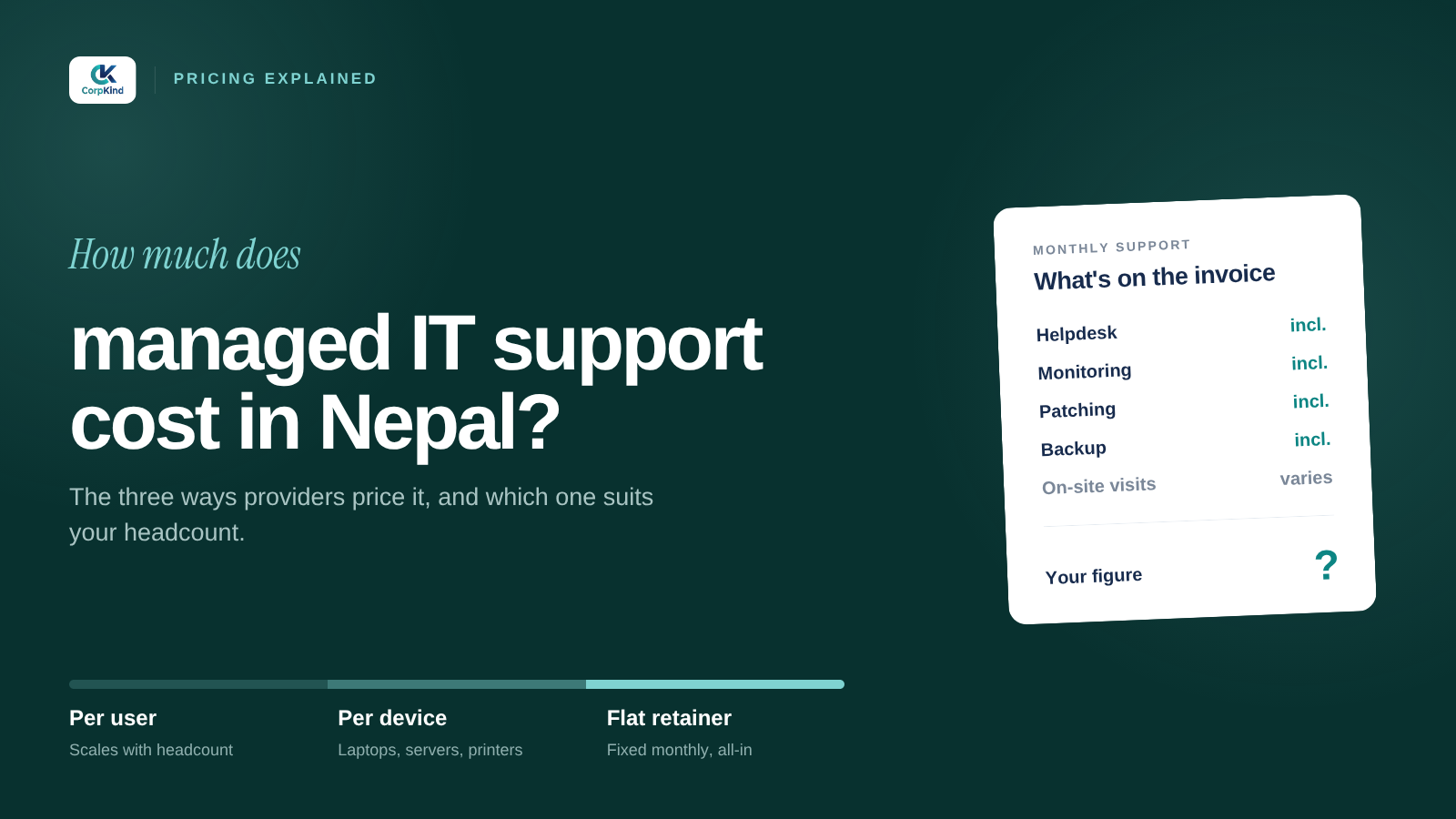
- Per device, per month: you pay a set fee for each laptop, desktop, and server under management. Simple to understand and it scales cleanly as you add or remove machines. Servers usually cost more than a normal endpoint because they need more attention.
- Flat monthly fee: one fixed price for your whole setup, agreed after looking at what you run. Predictable, and easy to budget for the year.
Both give you the same thing that matters: a known monthly cost instead of surprise invoices every time something breaks.
What drives the price up or down
Two businesses with the same number of staff can pay very different amounts. Here is what moves the number:
- Number of devices: more laptops, desktops, and servers means more to monitor, patch, and support.
- Servers and infrastructure: physical or virtual servers, firewalls, and VPNs need more work than a simple laptop fleet.
- How fast you need help: a plan that guarantees a 30-minute response to a critical issue costs more than best-effort support.
- Coverage hours: business-hours support is cheaper than round-the-clock cover that includes nights, weekends, and festivals.
- On-site visits: plans that include engineers coming to your office cost more than remote-only support.
- Extras: automated backups and recovery drills, security awareness training, device management for phones, and compliance reporting all add to the scope.
What a good managed IT plan should include
Price only means something next to what you get. Before you compare numbers, check that a plan actually covers the essentials:
- Monitoring and management: a lightweight agent on every device that watches health and flags problems early.
- Patch management: operating system and software updates handled for you, on a schedule, not left to chance.
- Unlimited helpdesk: one number, one email, one portal, with tickets tracked and closed properly.
- Endpoint security: antivirus, multi-factor authentication, and protection against phishing.
- Backup and recovery: automated backups that are actually tested, so you can recover when something goes wrong.
- Reporting: a regular health report so you can see what you are paying for.
If a cheap quote leaves out backups, security, or patching, it is not really cheaper. It just moves the cost to the day something breaks.
Managed vs break-fix: why predictable wins
The old way of buying IT is break-fix: you call someone when something breaks and pay per incident. It looks cheaper until the month a server fails or a laptop gets ransomware, and the bill lands with no warning. Managed IT flips that. You pay a steady monthly fee, and the provider is paid to stop problems happening in the first place, because their work goes up when yours breaks. Your incentives finally line up. If you have been offered an AMC, it is worth knowing what an IT AMC should actually cover.
The real comparison: managed IT vs hiring
For most small and medium businesses in Nepal, the useful comparison is not one provider against another, it is managed IT against hiring your own IT person. One in-house hire covers one skill set, works office hours, and takes leave. A managed IT plan gives you a whole team, covering helpdesk, security, servers, and networks, usually for less than the cost of a single salary. That is where the value shows up. For the full breakdown, see in-house vs outsourced IT.
How to get an accurate number for your business
The only way to know your real cost is to have someone look at what you run. We start with a free IT audit: we count your devices, check your setup, and come back with a fixed monthly figure and exactly what it covers. No obligation, no jargon. See our managed IT plans for what is included, or book your free IT audit and we will give you a straight quote.
Not sure what you would even be paying for? See what managed IT services actually include, and how to choose a managed IT company in Nepal before you commit.
Still deciding whether to pay per incident or per month? See managed IT versus break-fix, and the signs your business has outgrown ad-hoc IT.
Common questions
Is managed IT worth it for a small business?
Usually yes. Even a small team depends on email, files, and devices working. Managed IT keeps them running for a predictable monthly fee, which is almost always cheaper than the downtime and emergency bills that come with no support.
Is per-device or flat-fee pricing better?
Per-device pricing is clear and scales with you. A flat fee is simplest to budget. Both are fine, what matters is that the scope is written down so you know what the fee covers.
Does managed IT include servers and security?
It should. A proper plan covers your servers, backups, and security, not just user helpdesk. Always check these are included before comparing prices.
