

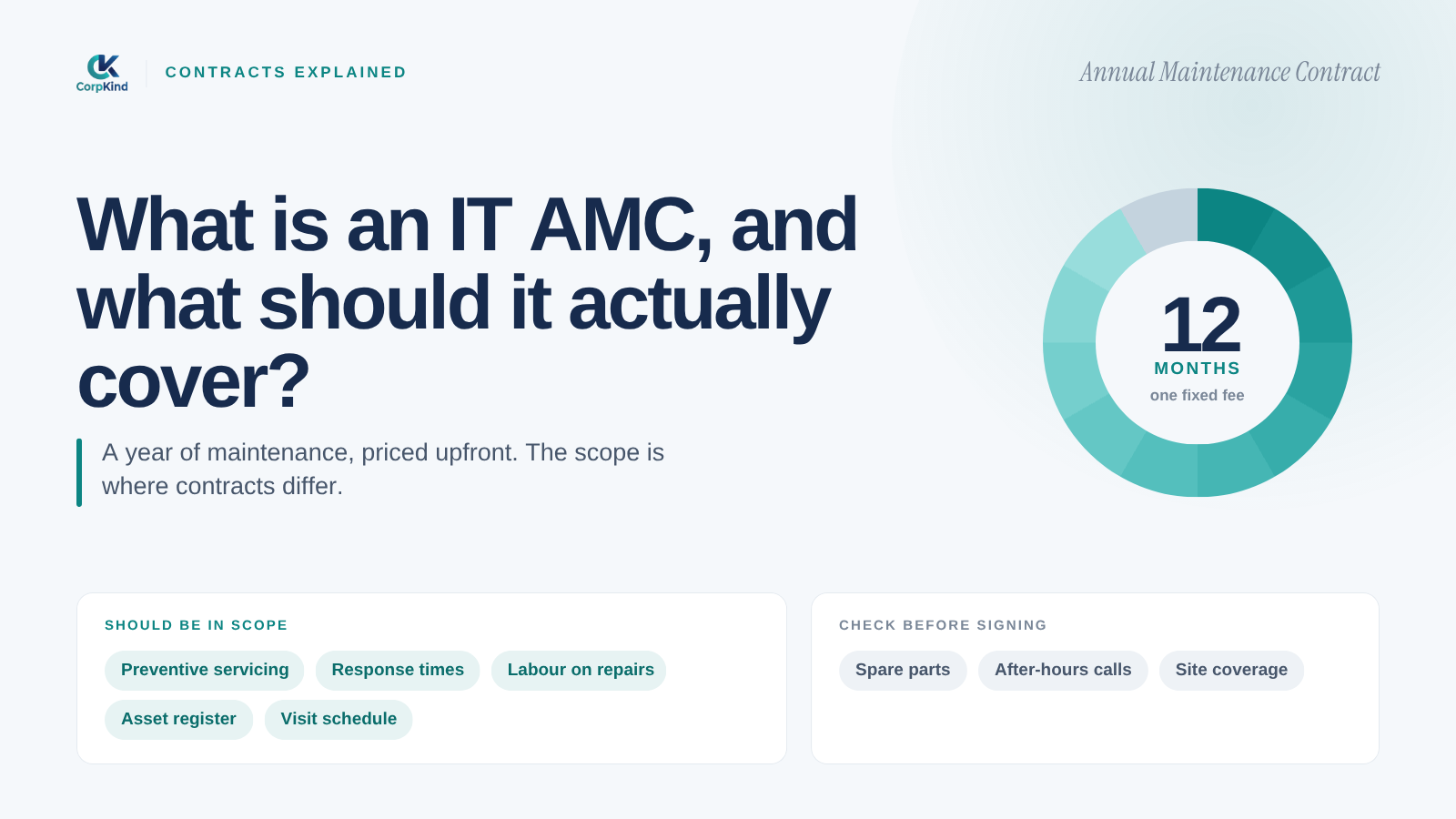
If you have ever been offered an “IT AMC” and were not quite sure what you were buying, you are not alone. AMC stands for Annual Maintenance Contract, and in Nepal it is one of the most common ways businesses buy IT support. The problem is that no two AMCs cover the same things. Here is what an IT AMC actually is, what a good one should include, and what to check before you sign.
What an IT AMC means
An IT AMC is a yearly contract where a provider agrees to look after your IT for a set fee. Instead of calling a random technician each time something breaks and haggling over the bill, you have one company on a contract, responsible for keeping your systems running. That is the idea. What varies wildly is how much they actually do.
The two kinds of AMC
Most IT AMCs fall into one of two types, and the difference matters a lot:
- Break-fix AMC: they show up and fix things when they break. Cheaper on paper, but reactive. You are still exposed to the downtime, and there is little stopping the same problems coming back.
- Managed AMC: they actively monitor, patch, secure, and maintain your systems to stop problems before they happen. This is closer to a modern managed IT service, and it is what most businesses actually want, even if they asked for an AMC.
If a quote sounds cheap, it is almost always a break-fix AMC. The saving disappears the first time a server goes down for a day.
What a good IT AMC should cover
Before you sign anything, check the contract actually includes these:
- Helpdesk support: a clear way to raise issues, with tickets tracked and closed, not lost in a WhatsApp thread.
- Response times: written commitments on how fast they respond, especially to serious issues.
- Preventive maintenance: updates, patching, and health checks on a schedule, not just repairs.
- Security: antivirus, updates, and basic protection against phishing and malware.
- Backups: regular backups that are tested, so your data survives a failure.
- What is in and out of scope: which devices and services are covered, and what costs extra.
- Reporting: a regular summary so you can see what you paid for.
Questions to ask before signing
- How fast do you respond to a critical problem, in writing?
- Is this reactive break-fix, or do you actively monitor and maintain?
- Are backups and security included, or extra?
- What exactly is covered, and what is billed on top?
- What happens if I want to leave at the end of the year?
If the answers are vague, the service will be too.
AMC or managed IT: what is the difference?
In practice, a modern managed IT service is a managed AMC done properly: one monthly or yearly fee, a full team, monitoring and security built in, and a written service level. If you are weighing an AMC against a managed service, read our guide on in-house versus outsourced IT and what managed IT costs.
How our AMC works
We do managed AMCs, not break-fix. That means we monitor your devices, patch and secure them, run backups, and answer your team through a proper helpdesk, all on a clear contract with written response times. See what is included in our managed IT plans, or tell us what you run and we will scope an AMC that fits.
An AMC is one way to buy support. For the fuller picture of what an ongoing IT partner covers, see what managed IT services actually include.
Common questions
What does IT AMC stand for?
Annual Maintenance Contract. It is a yearly agreement where a provider maintains and supports your IT for a set fee.
What should an IT AMC include?
At minimum: helpdesk support with response times, preventive maintenance and patching, security, tested backups, and a clear list of what is covered. If those are missing, it is not a complete contract.
Is an AMC the same as managed IT?
A managed AMC is, in effect, a managed IT service: proactive monitoring and maintenance rather than only fixing things after they break. A cheap break-fix AMC is not the same thing.
