

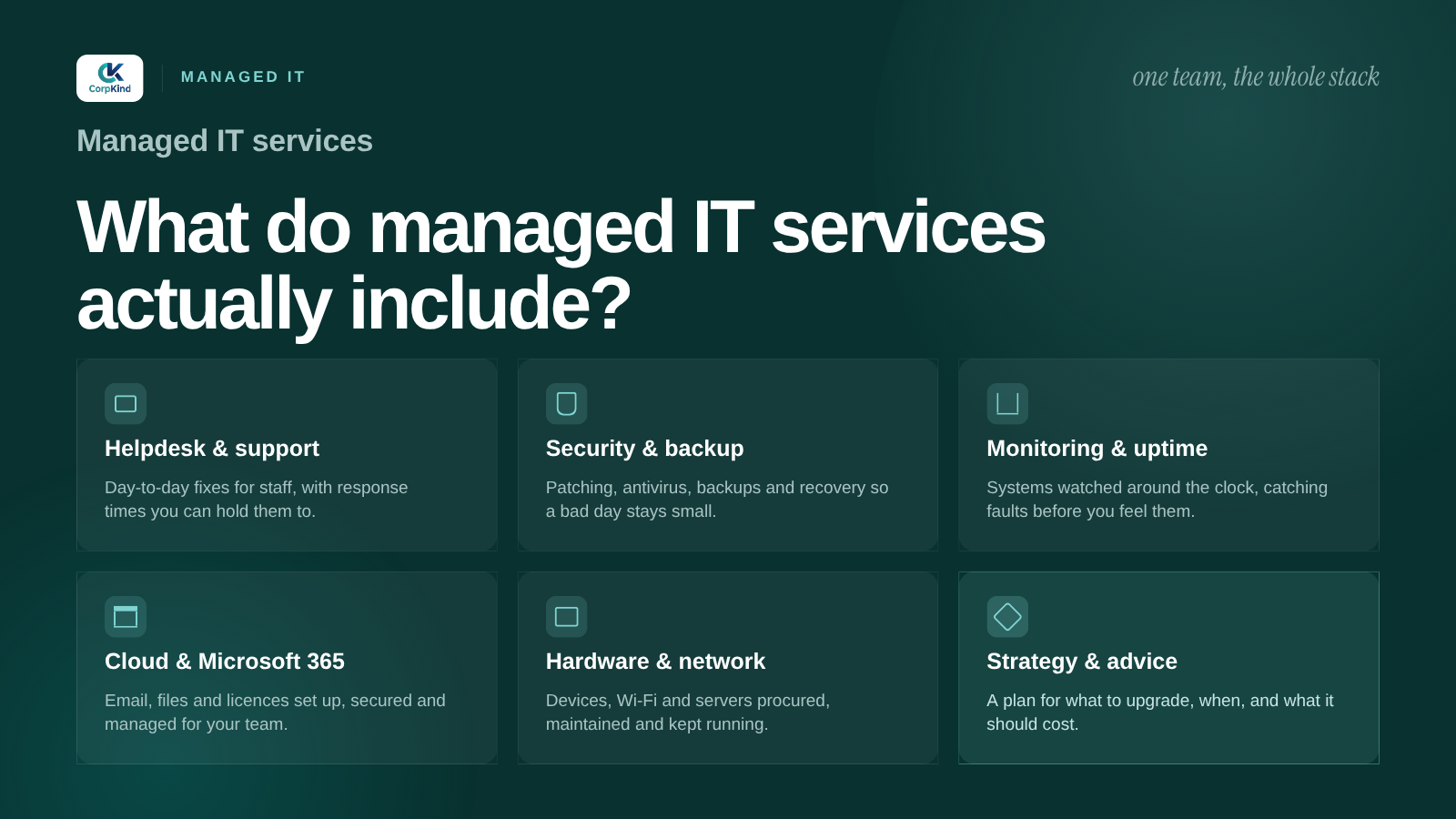
“Managed IT” is one of those phrases that sounds clear until you try to pin it down. Before you pay a monthly fee for it, you should know exactly what lands inside that fee. Here is what managed IT services actually cover for a business in Nepal, in plain terms, and what usually sits outside them.
The short version
Managed IT means an outside team runs your technology for a predictable monthly fee, and is paid to keep it working rather than just fix it after it breaks. In practice that covers a handful of areas that together add up to “we do not have to think about IT anymore.” Here is each one.
1. Helpdesk and day-to-day support
The part you feel most. When email will not send, a laptop is crawling, a printer is offline, or someone is locked out, you have a number to call and an engineer who already knows your setup. Good managed IT commits to a response time in writing, so support is a promise, not a favour.
2. Monitoring and maintenance
The part you never see, and the reason managed IT is worth more than break-fix. Your systems are watched for problems, updates and security patches are applied on a schedule, and small issues are caught and fixed before they turn into an outage. The goal is fewer fires, not faster firefighting.
3. Backup and recovery
Your files, email, and systems are backed up so that a failed drive, a mistake, or ransomware does not end your week. The important word is recovery: a backup that has never been restored is a guess. A real provider tests that your data actually comes back. We go deeper in data backup and security.
4. Security
Sensible protection layered across the business: endpoint protection on devices, email filtering against phishing, safe access and passwords, and genuine, updating software. Not paranoia, just the basics done properly, because most breaches walk through an open door rather than a clever hack.
5. Network, Wi-Fi, and office setup
The wiring under everything. A network that holds up, Wi-Fi that reaches the whole office, and the equipment behind it kept healthy. When you move, grow, or open a new floor, the same team handles it. See network and office IT setup.
6. Microsoft 365 and licensing
Email, Office apps, Teams, and cloud storage, set up, migrated, and kept genuine. A good provider manages your licences so you are on the right plan, everything updates, and nothing is grey-market. If you are not sure which plan fits, we cover it in the Microsoft 365 guide.
7. Procurement and hardware
Buying the right laptops, servers, and equipment, set up ready to use, with warranty and support handled through one team instead of a queue overseas. You get advice on what to buy and, just as useful, what not to.
8. A bit of strategy
The best managed IT is not only reactive. A good partner tells you what is coming, plans renewals and refresh cycles, and keeps your technology pointed at where the business is going. You do not need a full-time IT director, you need someone thinking about it so you do not have to.
What managed IT usually does not include
Honesty helps here. Specialist software development, deep custom application work, and major one-off projects are often scoped separately rather than bundled into the monthly fee. Genuine software licences are a cost you pay for, not somewhere to cut corners. And no provider can cover what is not written down, which is why scope in writing matters. If you are being offered a yearly agreement, check exactly what an IT AMC should cover first.
So what does it cost?
It depends on how many people and devices you have, and how much you want covered. The useful way to think about it is total cost: a managed plan usually costs less than one in-house hire and covers far more ground. We broke down what drives the price in what managed IT support costs in Nepal, and if you are weighing a hire against an outside team, in-house versus outsourced IT lays out the trade-offs.
How we package it
We run all of the above as one team, the outsourced IT department for businesses across Nepal, with clear response times and everything owned in your name. It starts with a free IT audit. See our managed IT service, or if you already know you want a partner, how to choose a managed IT company is worth a read before you commit. When you are ready, tell us what your business runs on.
Wondering if this is worth it for you yet? See the signs your business needs managed IT support.
Common questions
What is included in managed IT services?
Typically helpdesk support, proactive monitoring and maintenance, tested backups, security, network and Wi-Fi support, Microsoft 365 and licensing, and hardware procurement, all for a predictable monthly fee. On-site visits for offices in the Kathmandu valley should be part of it.
Is Microsoft 365 part of managed IT?
Usually yes. A managed provider sets up and migrates your Microsoft 365, keeps the licences genuine and on the right plan, and supports users day to day. The licences themselves are a separate cost, but the setup and management are part of the service.
Does managed IT include on-site visits?
Most things are handled remotely, quickly, but for offices in Kathmandu, Lalitpur, and Bhaktapur, on-site visits for network work, new setups, and anything hands-on should be arranged as part of the plan.
